# Linux 运行中扩大交换分区大小
<https://stackoverflow.com/questions/26193654/node-js-catch-enomem-error-thrown-after-spawn>
## 摘录
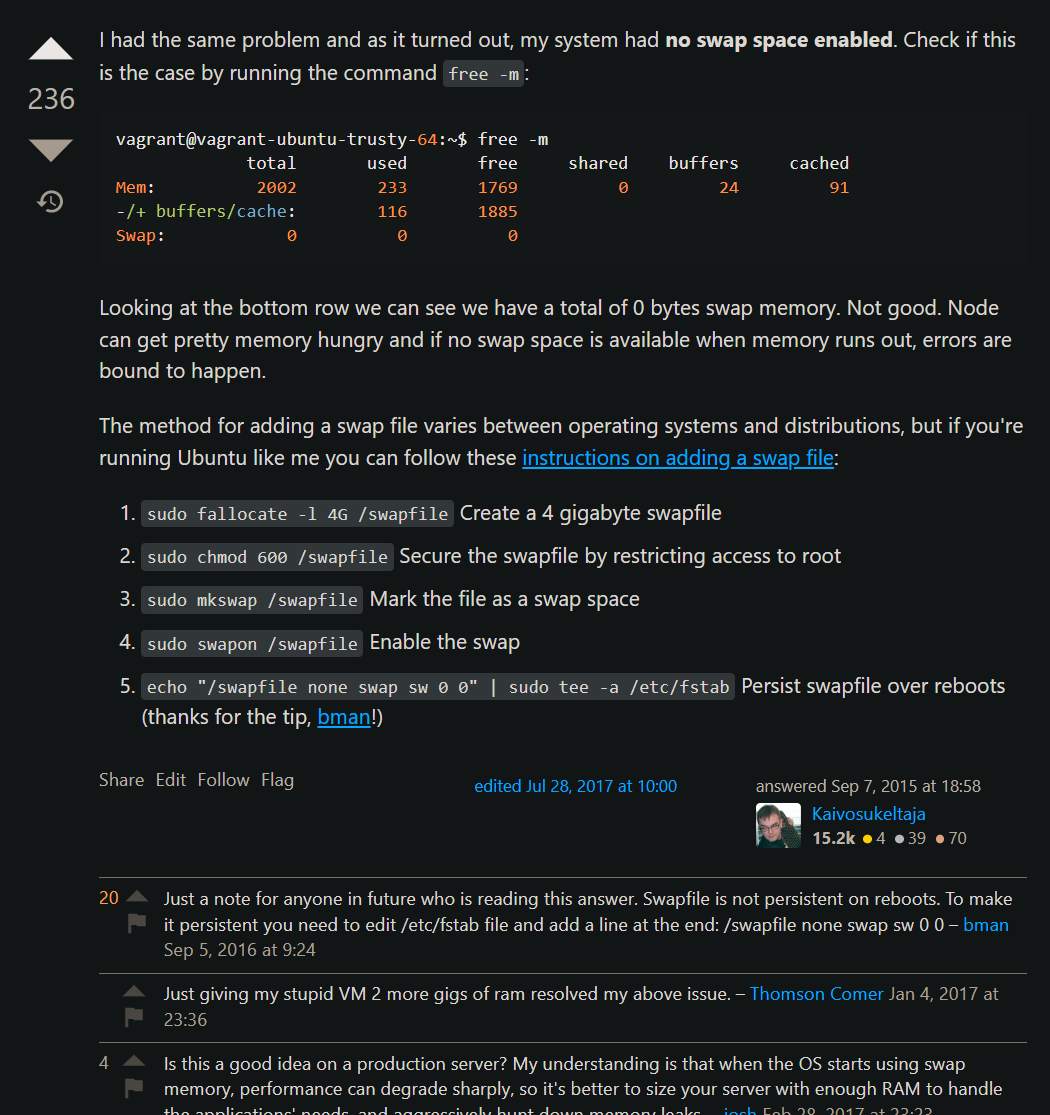
I had the same problem and as it turned out, my system had **no swap space enabled**. Check if this is the case by running the command `free -m`:
```
vagrant@vagrant-ubuntu-trusty-64:~$ free -m
total used free shared buffers cached
Mem: 2002 233 1769 0 24 91
-/+ buffers/cache: 116 1885
Swap: 0 0 0
```
Looking at the bottom row we can see we have a total of 0 bytes swap memory. Not good. Node can get pretty memory hungry and if no swap space is available when memory runs out, errors are bound to happen.
The method for adding a swap file varies between operating systems and distributions, but if you're running Ubuntu like me you can follow these [instructions on adding a swap file](https://www.digitalocean.com/community/tutorials/how-to-add-swap-on-ubuntu-14-04):
1. `sudo fallocate -l 4G /swapfile` Create a 4 gigabyte swapfile
2. `sudo chmod 600 /swapfile` Secure the swapfile by restricting access to root
3. `sudo mkswap /swapfile` Mark the file as a swap space
4. `sudo swapon /swapfile` Enable the swap
5. `echo "/swapfile none swap sw 0 0" | sudo tee -a /etc/fstab` Persist swapfile over reboots (thanks for the tip, [bman](https://stackoverflow.com/users/177006/bman)!)